Material requisitions, straight from the site
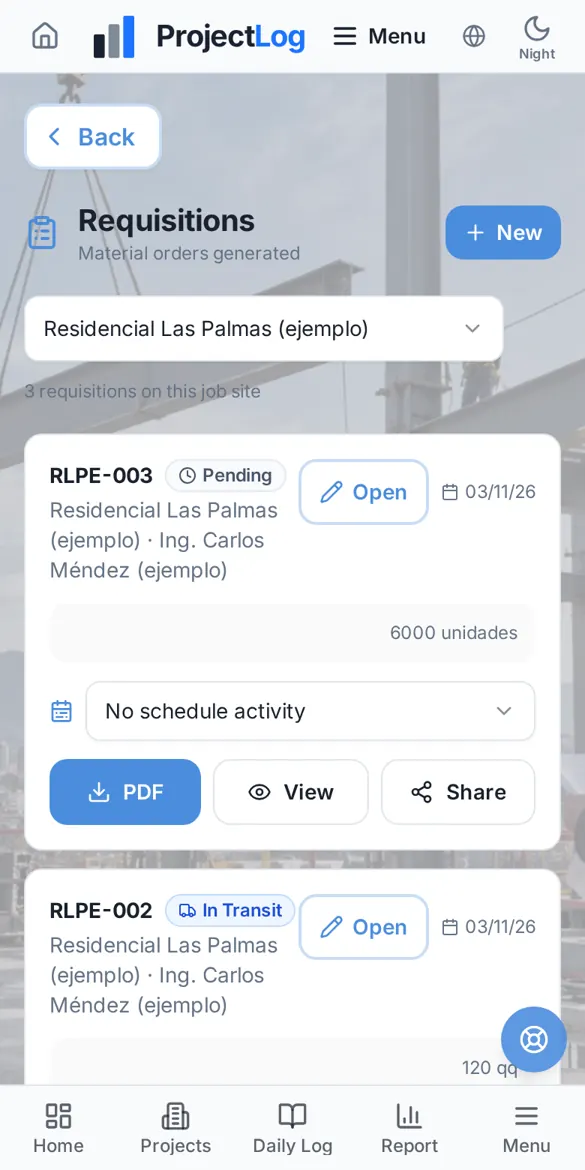
Request materials from your phone with the requester's signature and follow each requisition until delivery. The app warns you when a material falls below what you need.
Features
Numbered per project
Each project has its own sequence with its own prefix, with no duplicate numbers.
From what is missing
"Create requisition" in Materials builds the list from what is missing, minus what was already ordered.
Signature and PDF
Download, print or share the requisition with the project logo and the requester's signature.
Linked to the schedule
Link the requisition to the activity that needs it and to that day's site log.
Clear statuses
Pending, approved, on the way, partially delivered, delivered or cancelled, with full history.
Shortage alerts
Warnings when a material drops below its threshold, at most three per item, so your inbox stays clean.
On the job site
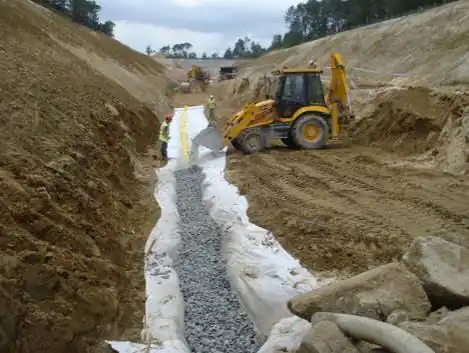
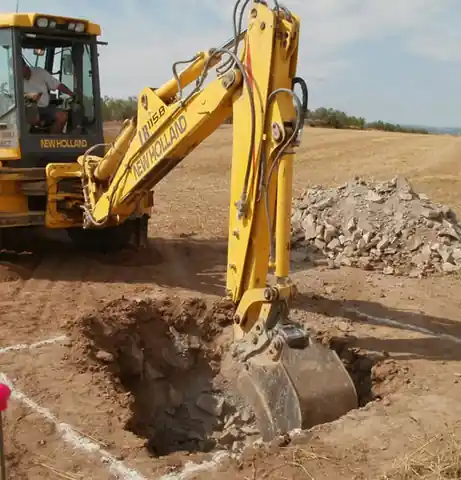
ProjectLog is built to be used where the work happens: on the slab, in the trench and in the coordination meeting. These are photos from our own team's real projects.

How it works
Register your materials
With unit, required quantity and budget item.
Create the requisition
From the site, signed by whoever requests it.
Track the delivery
Mark partial or full deliveries and stock updates automatically.
Frequently asked questions
Can I create a requisition without a site log?
Yes. A requisition is a separate document: create it when you need it and, if you like, link it to a site log later.
How much does ProjectLog cost?
During our pilot stage you can use the full app at no cost. If paid plans come later, we will notify you at least 30 days in advance.
Do I need to install anything?
No. ProjectLog runs in the browser of your phone, tablet or computer. On iPhone and Android you can add it to your home screen and it opens like an app.
Does it work on site without signal?
Yes. The site log, progress by budget item, material usage and meeting minutes are saved on the phone and sync automatically when the signal comes back.
Who can see my project data?
Only your company. You decide who gets in, which projects they see and whether they can see amounts. Every company works separately from the others.
Try ProjectLog on your next site visit
We are in our pilot stage: we activate every account personally, and you can use the full app at no cost during this stage.