An AI assistant for your construction project
ProjectLog uses AI to take paperwork off your plate: it drafts meeting minutes from the recording, proposes the report's conclusions and suggests how to mitigate each risk. The AI proposes; you review and decide.
Features
Minutes from the recording
Record the site meeting on your phone: the app transcribes the audio and the AI builds the minutes with topics, decisions and action items with owner and date.
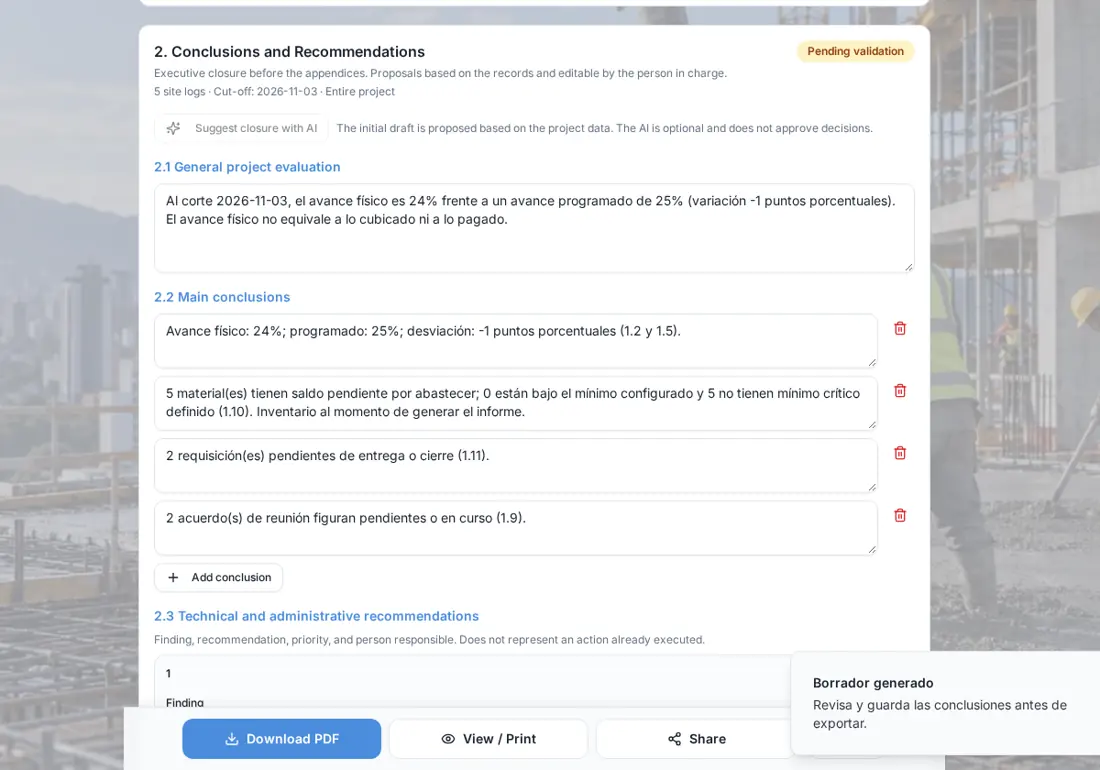
Report conclusions
With one tap, the AI drafts the overall assessment, conclusions and recommendations of the General Report from the project's data.
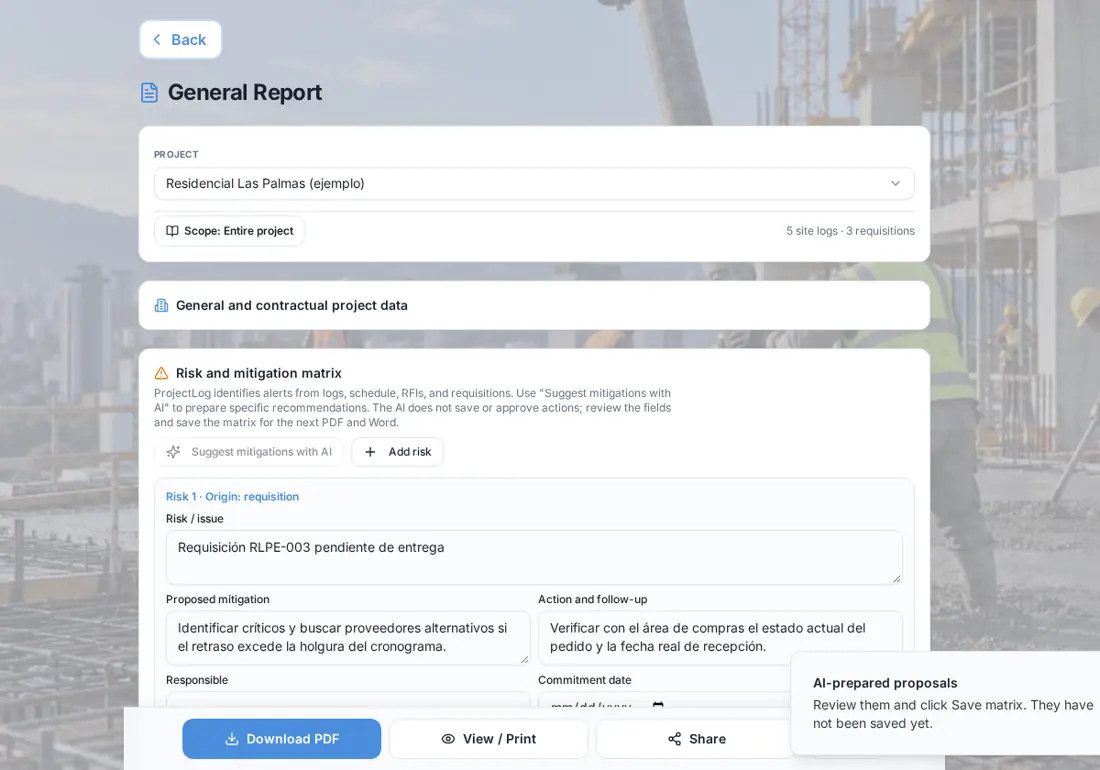
Risk mitigation
The risk matrix builds itself from the project's alerts, and the AI proposes a mitigation measure and an action for each risk.
Technical questions
Ask technical site questions and get a practical answer in field language. Available by invitation during the pilot stage.
Import schedules and budgets
Upload your schedule or budget as PDF or Word and the app identifies activities, budget items and materials.
Always under your control
Nothing the AI proposes is saved without your review. You can edit or discard it, and your team remains the technical lead.
On the job site
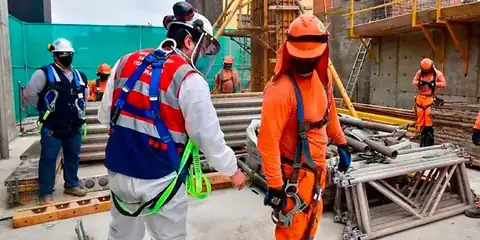
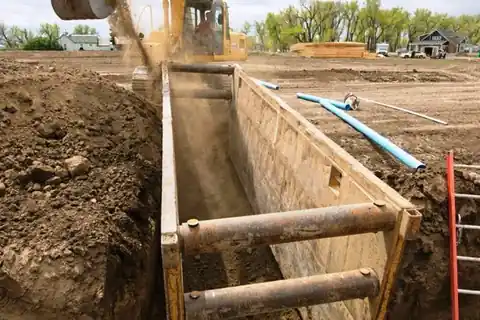
ProjectLog is built to be used where the work happens: on the slab, in the trench and in the coordination meeting. These are photos from our own team's real projects.

How it works
Record the project
Site logs, progress, requisitions and meetings, as usual.
Ask for a proposal
Tap "Suggest with AI" in the report, the risk matrix or the minutes.
Review and save
Adjust what you need and save. It appears in the report PDF.
Frequently asked questions
Does the AI decide for me?
No. The AI only proposes text based on your project data. You review it, change it if needed and decide whether to save it.
How much does ProjectLog cost?
During our pilot stage you can use the full app at no cost. If paid plans come later, we will notify you at least 30 days in advance.
Do I need to install anything?
No. ProjectLog runs in the browser of your phone, tablet or computer. On iPhone and Android you can add it to your home screen and it opens like an app.
Does it work on site without signal?
Yes. The site log, progress by budget item, material usage and meeting minutes are saved on the phone and sync automatically when the signal comes back.
Who can see my project data?
Only your company. You decide who gets in, which projects they see and whether they can see amounts. Every company works separately from the others.
Try ProjectLog on your next site visit
We are in our pilot stage: we activate every account personally, and you can use the full app at no cost during this stage.